

Student Journey Platform
From Registration to Graduation
The Student Journey Platform helps universities support students from registration through graduation or departure. It brings students, administrators, supervisors and department offices together in one place, with guidance tailored to each student’s study level, residency status and available university services.
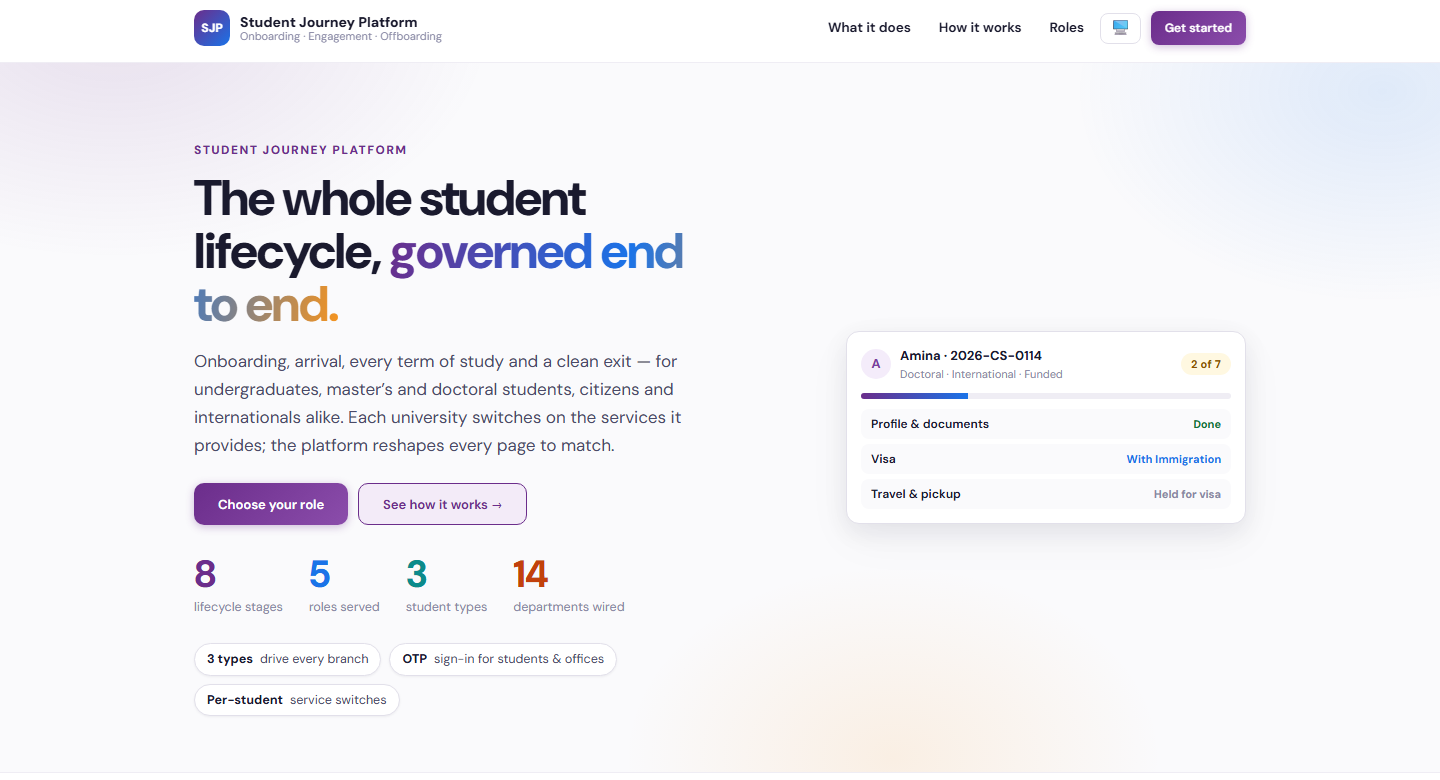
Solution Overview
The whole student lifecycle, governed end to end
Students can complete their profiles, upload documents, track visa and arrival arrangements, request accommodation, view funding details, and follow campus entry approvals. During their studies, they can record academic progress, research, internships, awards, and extracurricular activities, update travel information, and request changes to their records. A resume builder turns verified records into a downloadable resume.
University teams can register students, coordinate services, verify submissions, approve changes, and manage departure clearances. Progress dashboards, email notifications, and an AI assistant for student data queries help staff identify pending work and keep everyone informed.
- Guidance tailored to study level, residency status and available services
- Visa, arrival, accommodation, funding and campus entry in one place
- Academic progress, research, internships, awards and activities recorded each term
- A resume builder that turns verified records into a downloadable resume
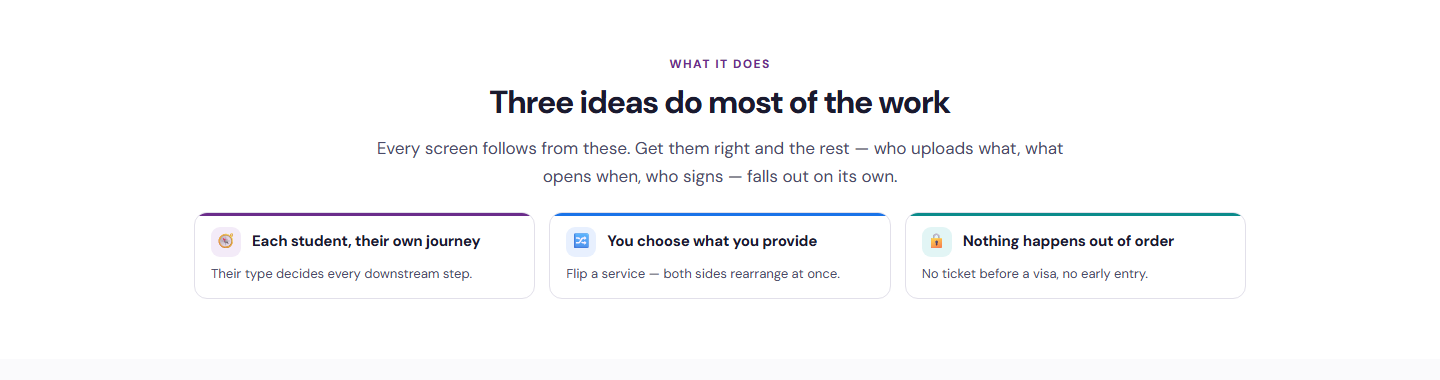

What It Does
Each Student, Their Own Journey
Undergraduate, master’s or doctoral, citizen or international, funded or not. The student’s type decides every downstream step.
You Choose What You Provide
Each university switches on the services it offers. Flip a service and both the student and staff views rearrange at once.
Nothing Happens Out of Order
No ticket before a visa, no early campus entry. Every stage names who has to act next.
Who It Serves
The whole journey on one page
- Complete the profile and upload required documents
- Track visa and arrival arrangements
- Request accommodation and view funding details
- Follow campus entry approvals
- Record academic progress, research, internships, awards and activities
- Request record changes and build a resume from verified records
Register, coordinate and approve
- Register students and set their type and services
- Coordinate visa, travel, housing and funding services
- Verify submissions and approve record changes
- Manage departure clearances
- Monitor progress dashboards and notifications
- Query student data through the AI assistant
Verify, vouch and clear
- Follow the students they supervise
- Verify academic and activity records each term
- Confirm supervision requests
- Work one queue with only their own section
- Sign campus entry sections
- Clear departure sections before offboarding
How It Works
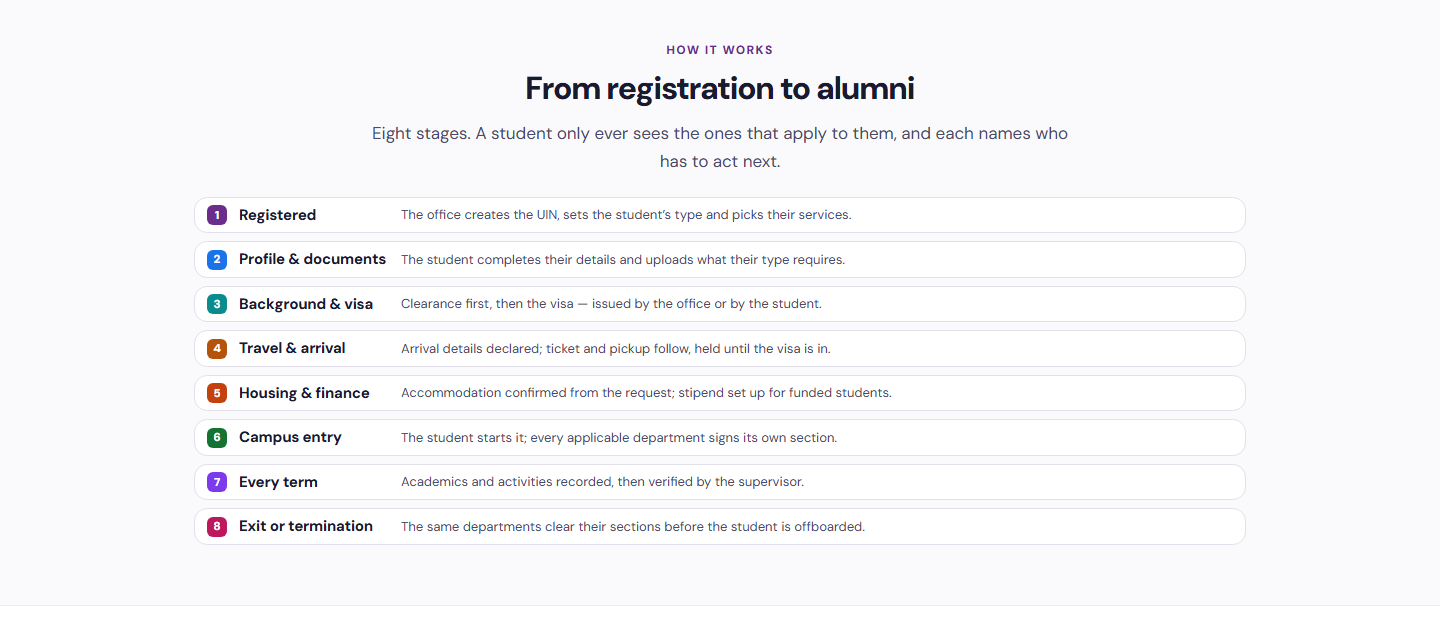
From registration to alumni in eight stages
A student only ever sees the stages that apply to them, and each stage names who has to act next. Students and offices sign in with a one-time code sent to their email. Superadmins and program admins use their BDB Platform credentials.
Registered
The office creates the UIN, sets the student’s type and picks their services.
Profile & Documents
The student completes their details and uploads what their type requires.
Background & Visa
Clearance first, then the visa, issued by the office or by the student.
Travel & Arrival
Arrival details declared. Ticket and pickup follow, held until the visa is in.
Housing & Finance
Accommodation confirmed from the request. Stipend set up for funded students.
Campus Entry
The student starts it. Every applicable department signs its own section.
Every Term
Academics and activities recorded, then verified by the supervisor.
Exit or Termination
The same departments clear their sections before the student is offboarded.
Benefits and Features
Profiles & Documents
Students complete profiles and upload exactly the documents their student type requires.
Visa & Arrival Tracking
Background clearance, visa, travel details, tickets and pickup tracked in order.
Accommodation & Funding
Students request accommodation and view funding and stipend details.
Campus Entry Approvals
Students start campus entry and every applicable department signs its own section.
Academic & Activity Records
Academic progress, research, internships, awards and extracurricular activities recorded each term.
Record Change Requests
Students request changes to their records and university teams approve them.
Resume Builder
Verified records become a downloadable resume in one click.
Departure Clearances
Departments clear their sections before graduation or departure.
Dashboards, Notifications & AI Assistant
Progress dashboards, email notifications and an AI assistant for student data queries keep staff on top of pending work.
Platform Screens
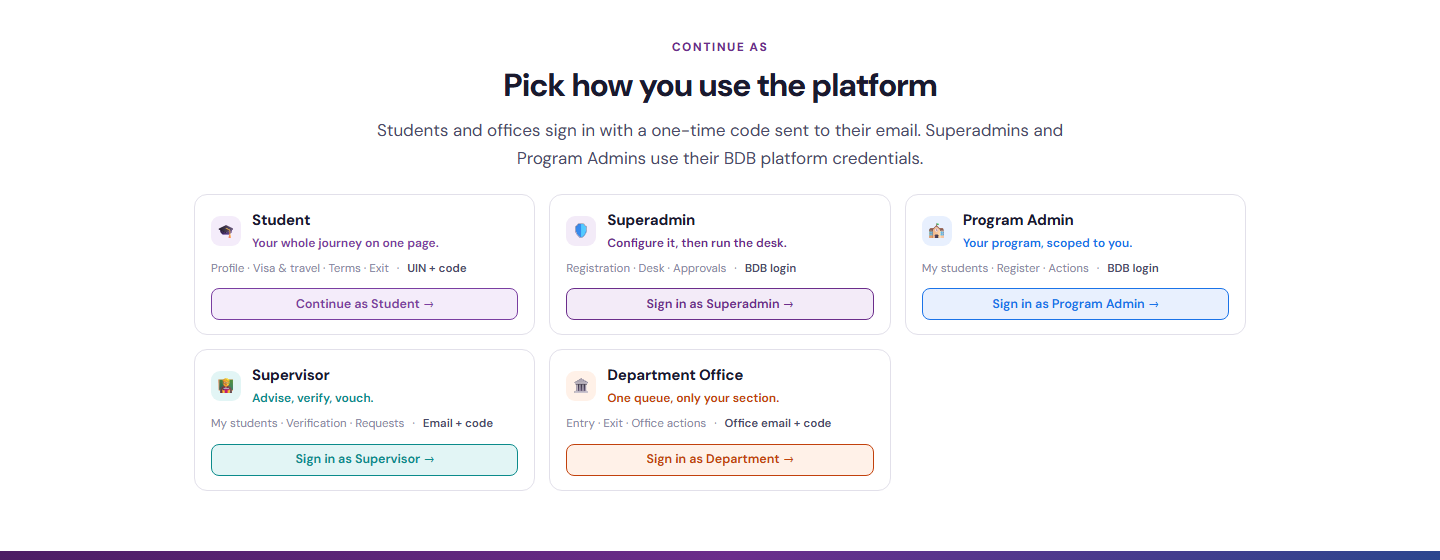
Five Portals, One Platform
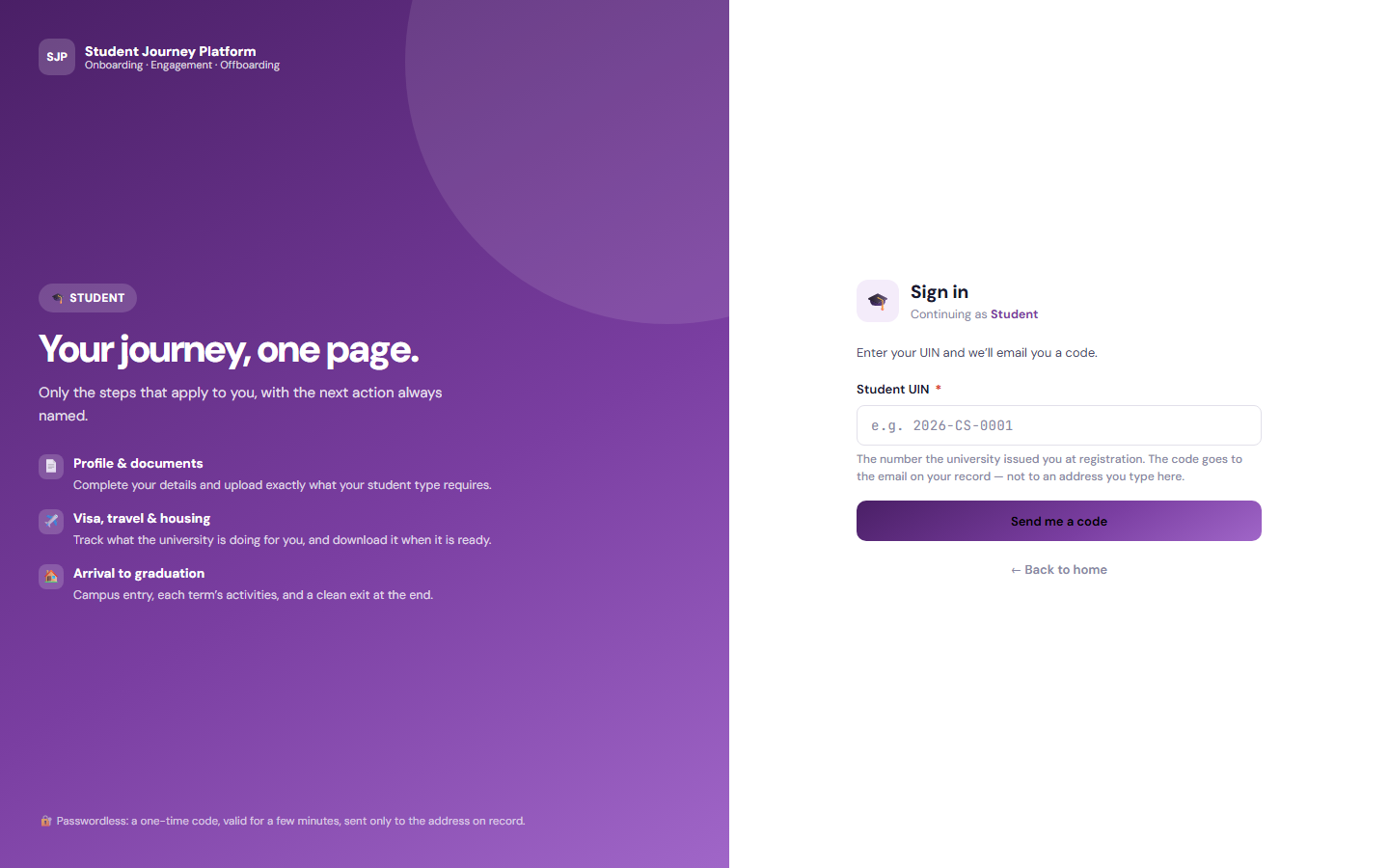
Student
Your whole journey on one page. Profile, visa and travel, terms, exit. UIN plus code.
Continue as Student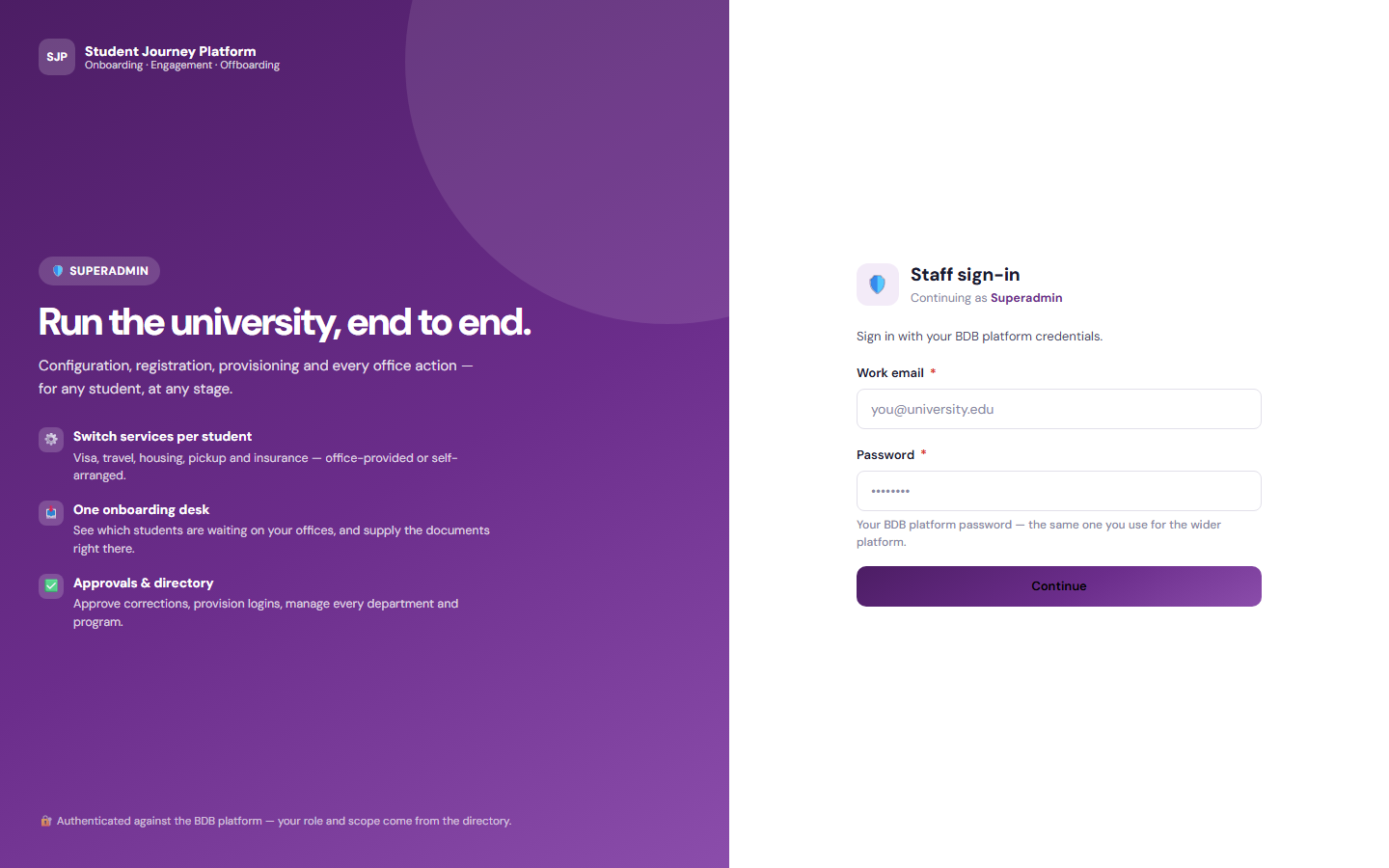
Superadmin
Configure it, then run the desk. Registration, desk, approvals. BDB login.
Continue as Superadmin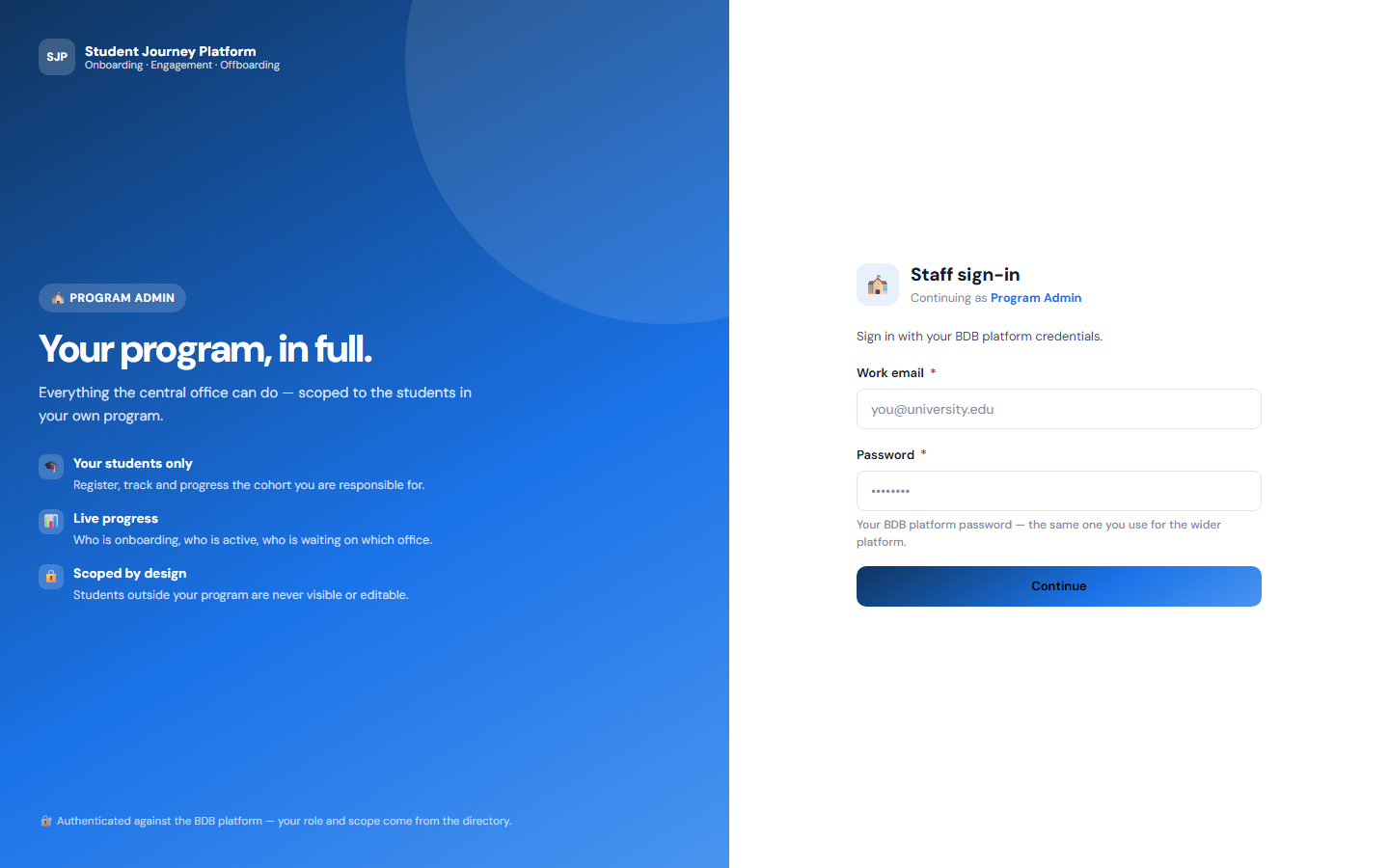
Program Admin
Your program, scoped to you. My students, register, actions. BDB login.
Continue as Program Admin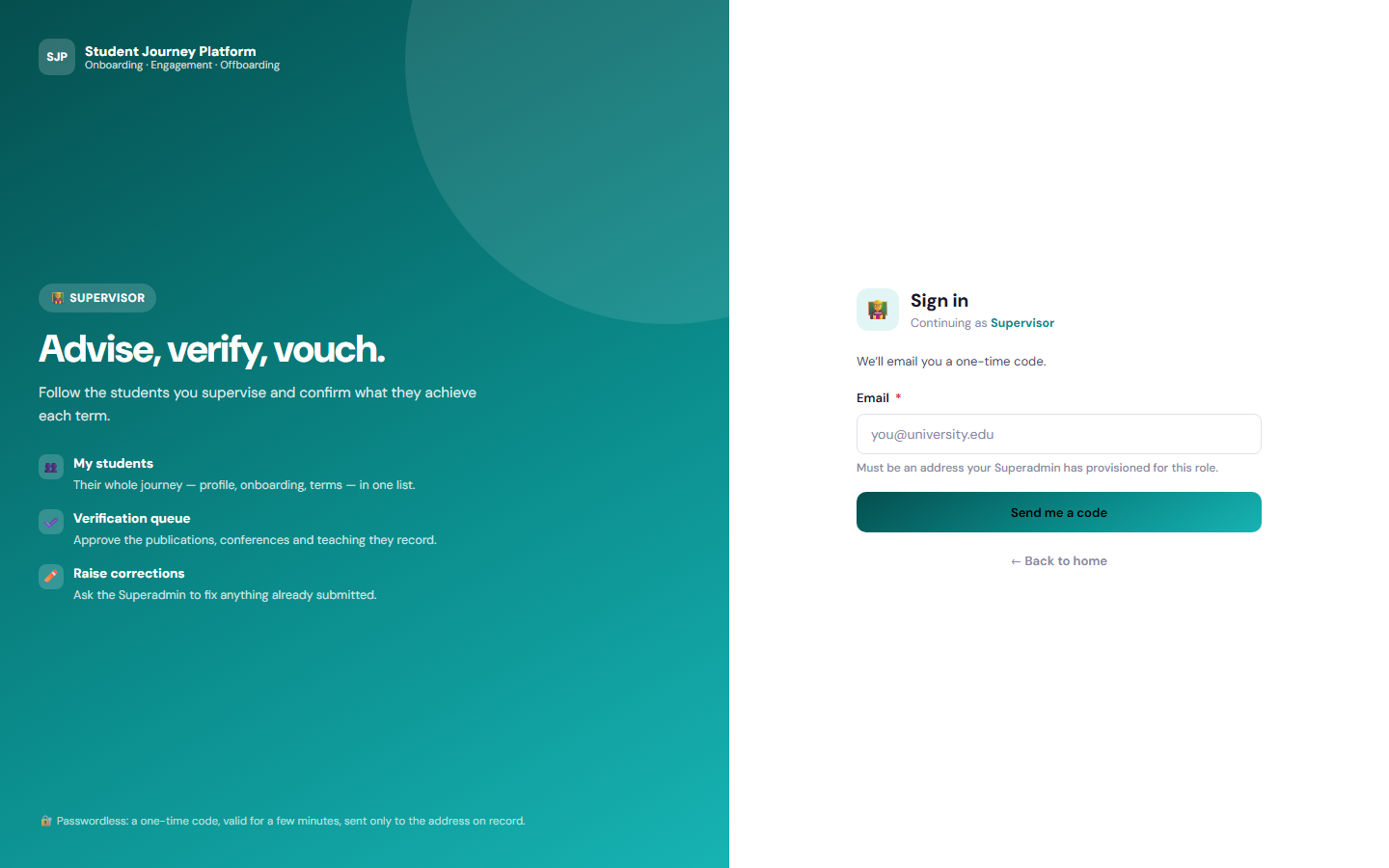
Supervisor
Advise, verify, vouch. My students, verification, requests. Email plus code.
Continue as Supervisor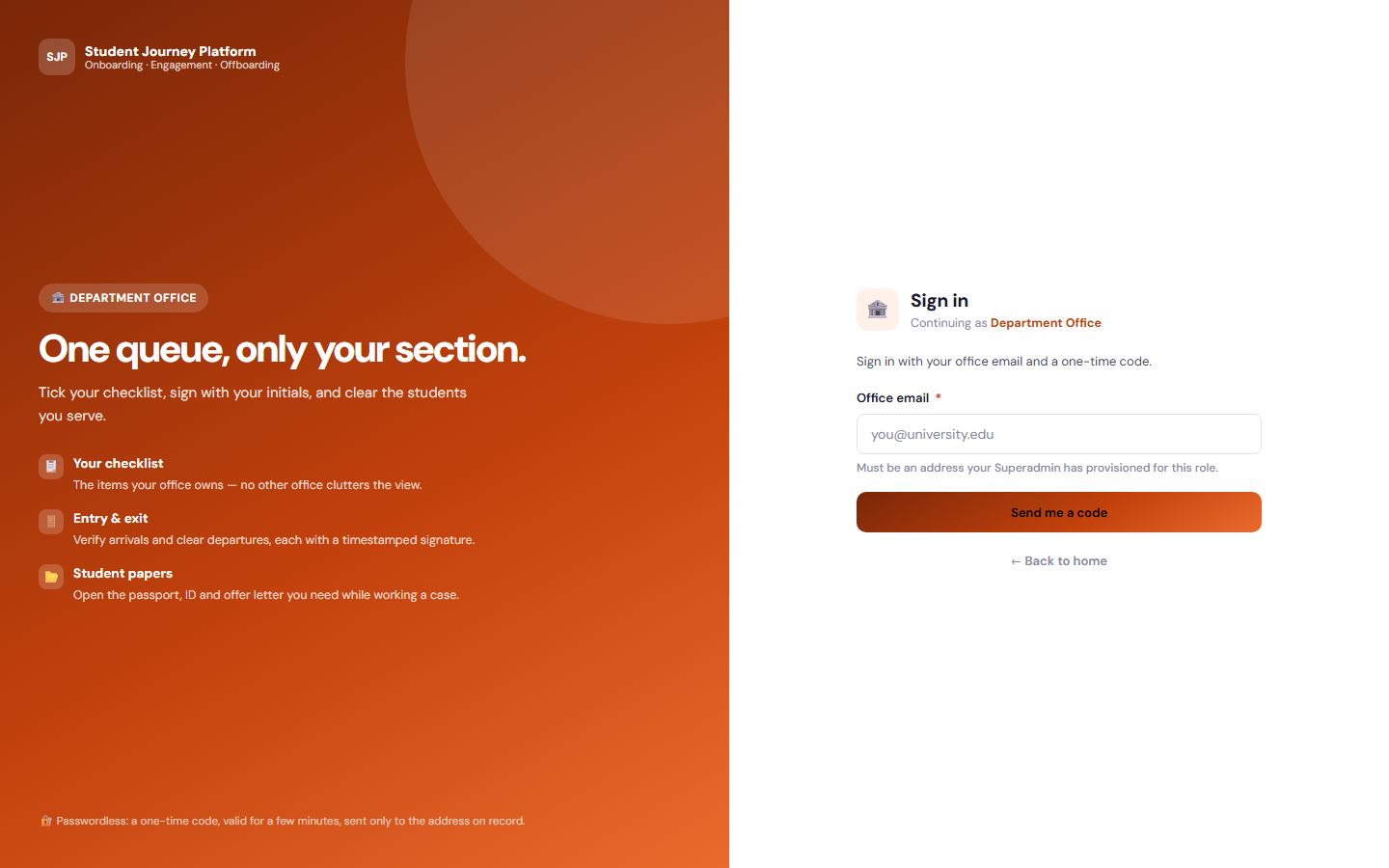
Department Office
One queue, only your section. Entry, exit, office actions. Office email plus code.
Continue as Department Office
Tailored to Your Institution
Flexible by design
The solution provides flexibility to tailor components to the institution’s own identity and requirements. Logo, branding, colour theme, communication style, terminology, workflows and other institution-specific requirements can be customised if required.
Every element seen in the demo is a starting point. Yujaa configures the solution around how your student services teams already works, so everyone experiences a platform that feels like their own.
Logo & Branding
Institution logo, name and visual identity across every portal and email.
Colour Theme
Palette and styling aligned to the institution’s brand guidelines.
Communication & Terminology
Email tone, labels and terms matched to how the institution speaks.
Workflows
Approval steps, forms and role permissions set to local requirements.
Ready to Support Every Student’s Journey?
Walk through the student experience and each staff workspace in the live demo. Built and hosted on the BDB Platform.