

CV Clinic
University Career Guidance Solution
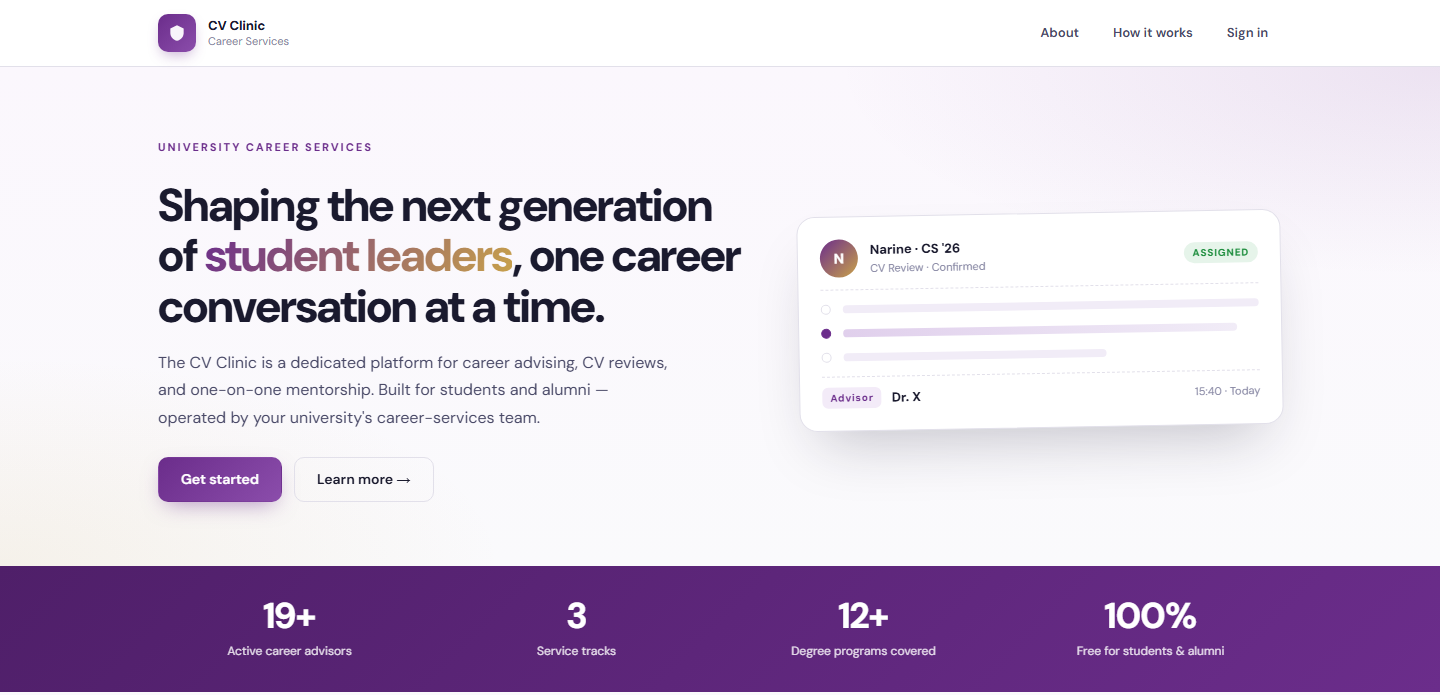
CV Clinic helps university students and alumni access career support in one place. Request a CV review, a career advising session, or both. Advisors and the career-guidance team manage every booking, document and follow-up from the same platform, powered by the BDB Platform.
Solution Overview
Career support for students and alumni, all in one place
CV Clinic helps university students and alumni access career support in one place. Users can request a CV review, a career advising session, or both by creating a profile, uploading their CV, choosing an advisor, and selecting an available time. Sessions can take place online or in person, with meeting details and updates sent by email.
A personal dashboard lets users track requests, view previous sessions, and revisit their advisor’s feedback and recommended next steps. By bringing appointments, documents, and feedback together, CV Clinic makes career support easier to access and manage.
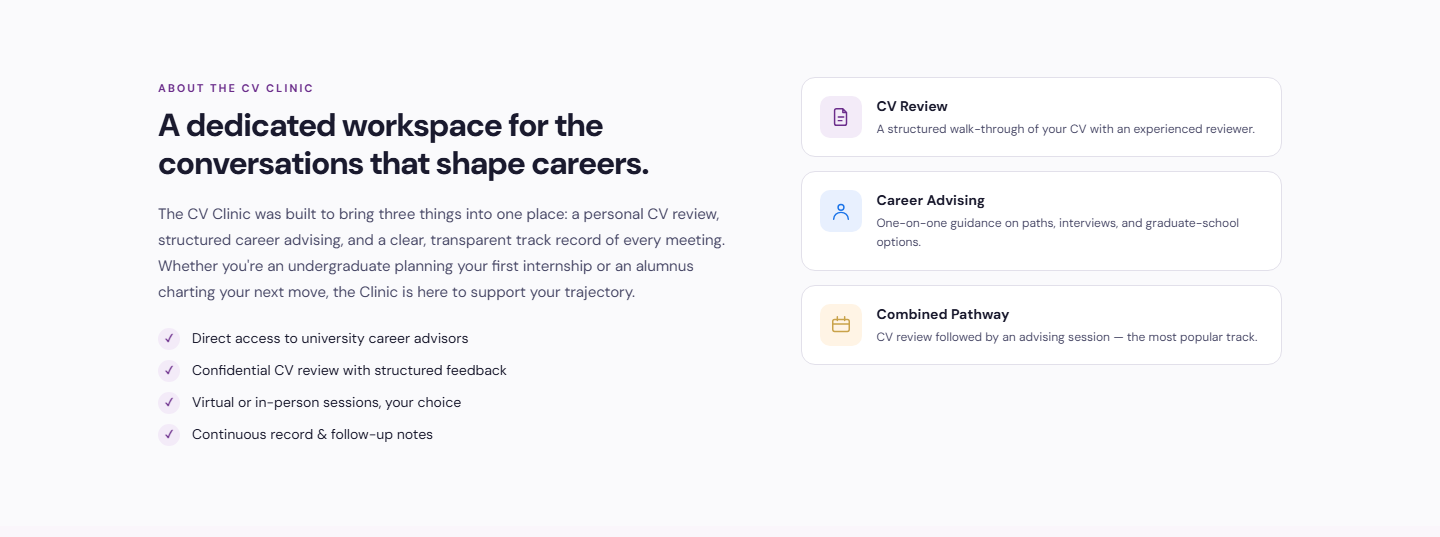
- Direct access to university career advisors
- Confidential CV review with structured feedback
- Virtual or in-person sessions, the student’s choice
- Continuous record and follow-up notes

Service Tracks
CV Review
A structured walk-through of the CV with an experienced reviewer, with written feedback the student can revisit at any time.
Career Advising
One-on-one guidance on career paths, interview preparation, and graduate-school options from a university advisor.
Combined Pathway
A CV review followed by an advising session. The most popular track with students planning their next move.
Who It Serves
Request, attend and follow up
- Create a profile and upload a CV
- Request a CV review, advising session, or both
- Choose an advisor and an available time slot
- Attend online or in person with details sent by email
- Track requests and revisit feedback on a personal dashboard
Review CVs and record guidance
- Manage profile, specialisation and availability
- See assigned sessions and respond to appointments
- Review uploaded CVs before the meeting
- Record guidance, recommendations and follow-up actions
- Keep a continuous record across sessions
Coordinate and monitor the clinic
- Coordinate bookings and confirm requests
- Assign advisors and reschedule sessions
- Manage student and advisor records
- Monitor activity across the clinic
- Configure the system and service tracks
How It Works
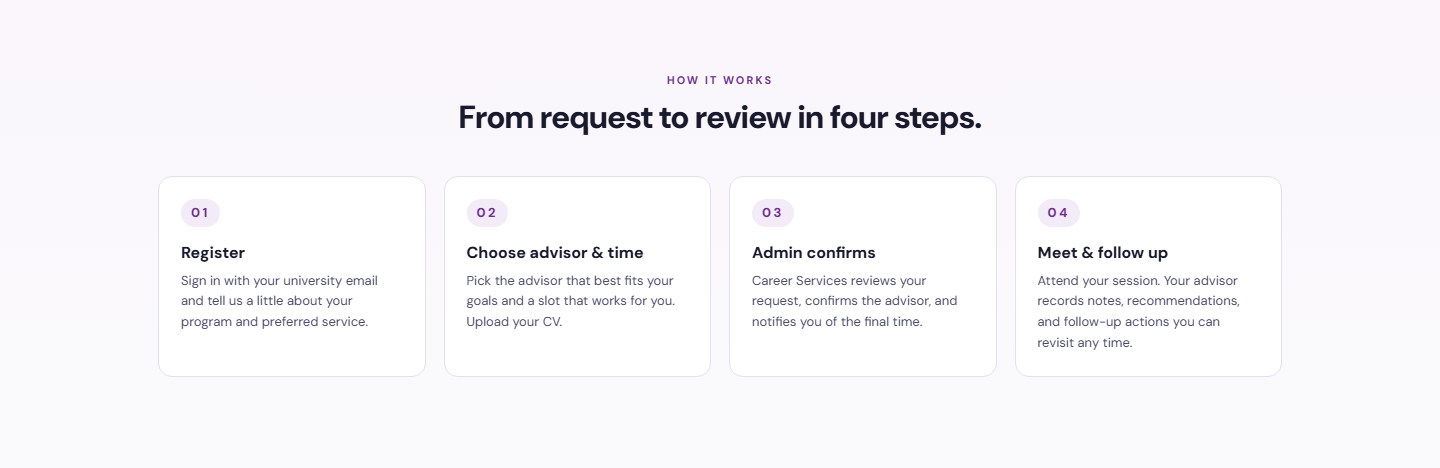
From request to review in four steps
A simple, transparent flow that keeps the student, the advisor and the career-guidance team in sync. Every step is confirmed by email, and every session leaves a record on the student’s dashboard.
Register
Sign in with a university email and share a little about the program and preferred service. Returning users verify with a one-time code.
Choose Advisor & Time
Pick the advisor that best fits the goal, select an available slot, and upload the CV.
Admin Confirms
The career-guidance team reviews the request, confirms the advisor, and notifies the student of the final time by email.
Meet & Follow Up
Attend the session online or in person. The advisor records notes, recommendations and follow-up actions.
Benefits and Features
Appointment Booking
Advisor availability, slot selection, confirmations and rescheduling handled in one calendar flow.
CV Upload & Review
Students attach a CV to the request so reviewers can prepare structured, written feedback.
Advisor Matching
Advisors are matched by specialisation, and the team can reassign when needed.
Email Notifications
Meeting details, confirmations and changes reach students and advisors automatically.
Personal Dashboard
Track open requests, browse previous sessions, and revisit advisor feedback and next steps.
Secure Role-Based Access
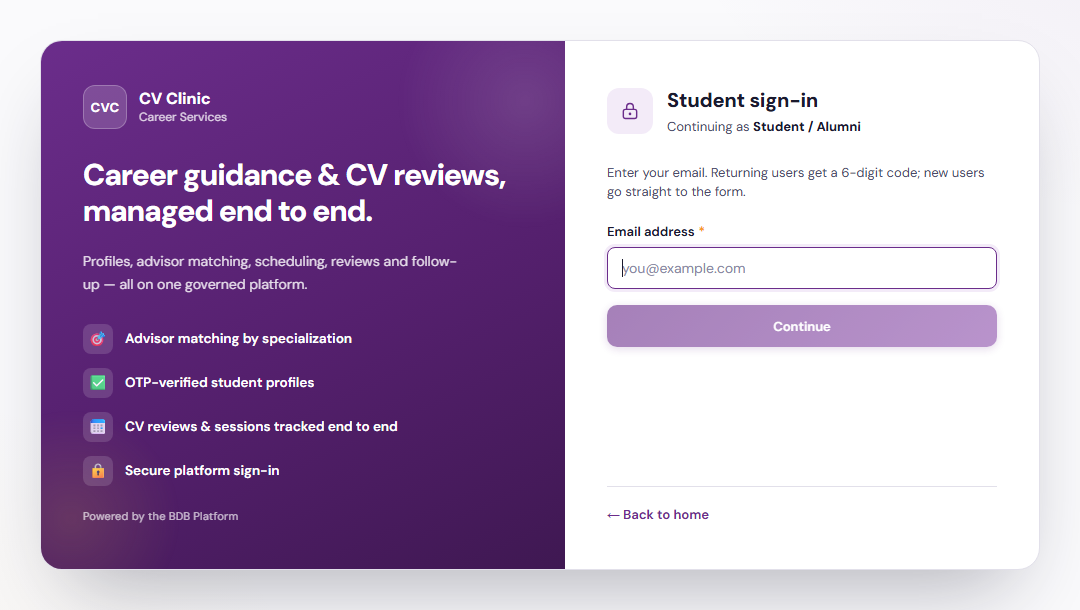
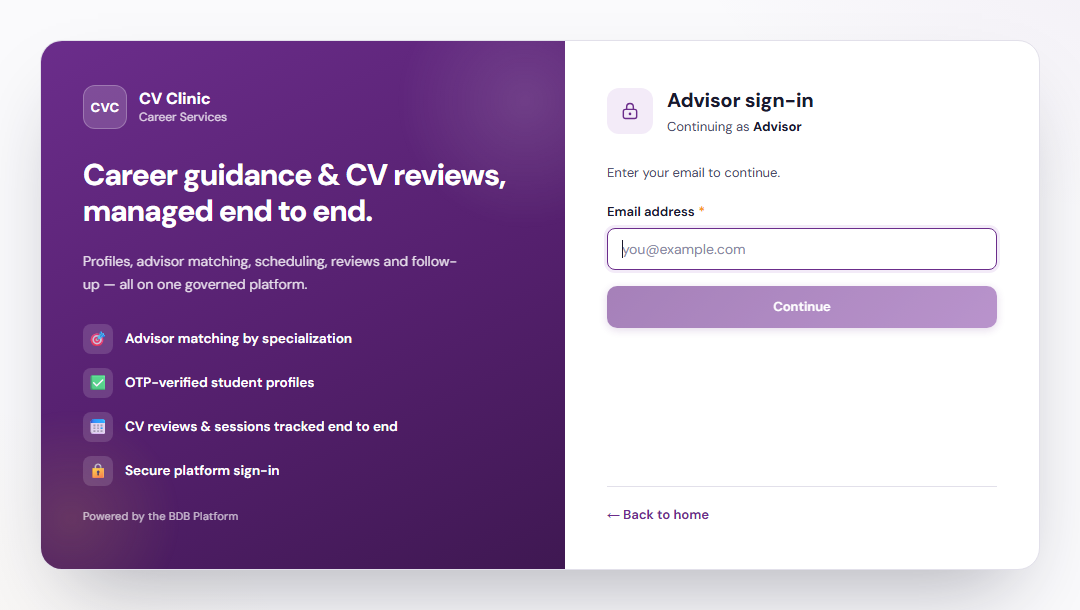
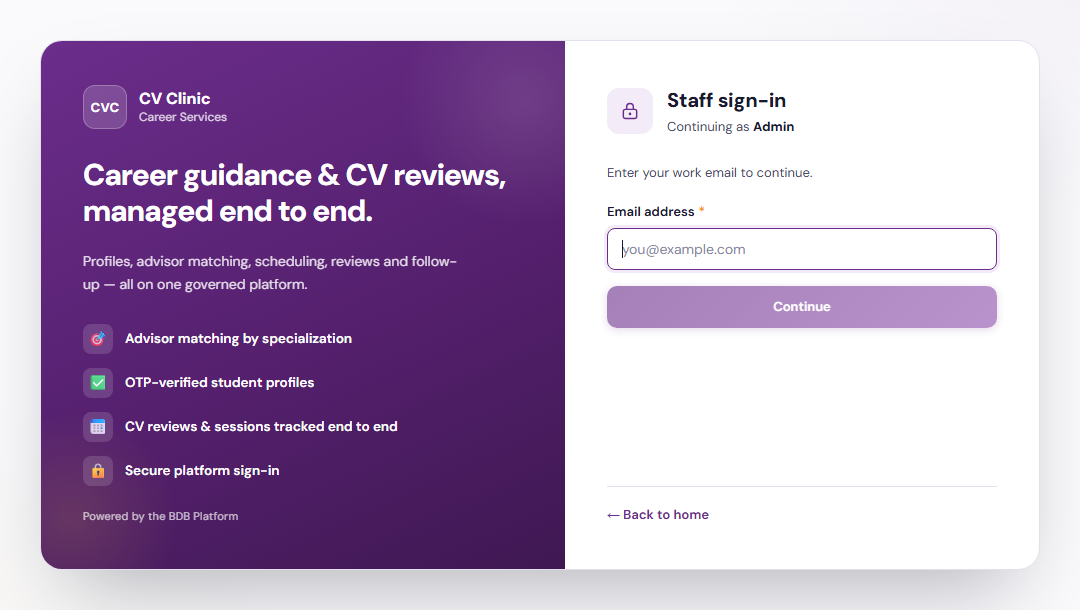
OTP-verified student profiles and separate student, advisor and admin portals.
Online or In Person
Each session carries its own meeting details, whether virtual or on campus.
Session Notes & Follow-Up
Advisors record guidance and actions that build a continuous record for every student.
Activity Monitoring
The career-guidance team sees bookings, advisor load and session outcomes across the whole clinic.
Platform Screens
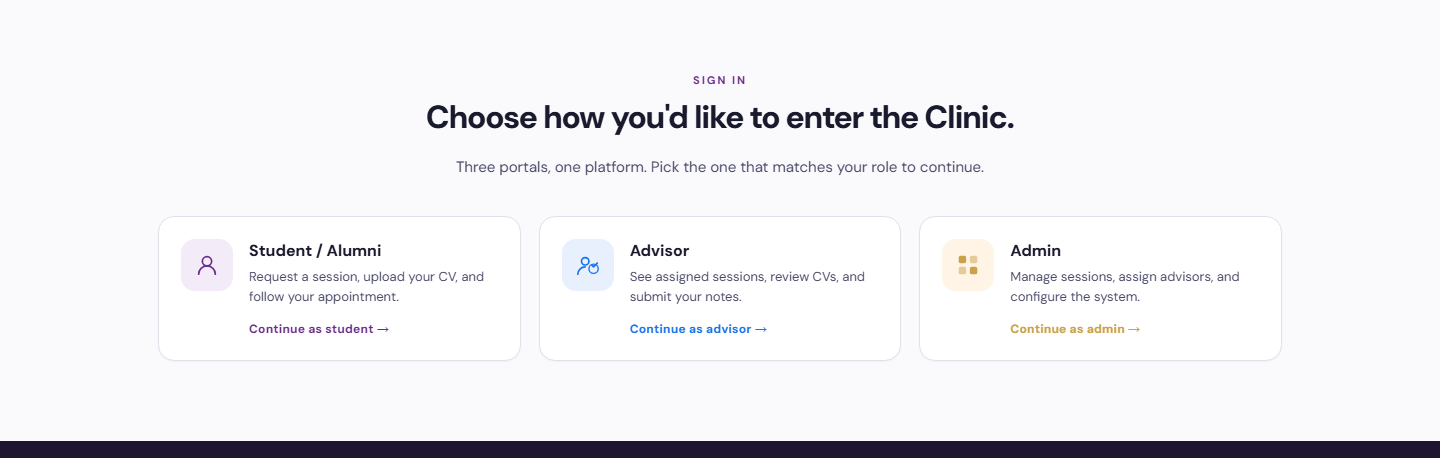
Three Portals, One Platform
Tailored to Your Institution
Flexible by design
The solution provides flexibility to tailor components to the institution’s own identity and requirements. Logo, branding, colour theme, communication style, terminology, workflows and other institution-specific requirements can be customised if required.
Every element seen in the demo is a starting point. Yujaa configures the solution around how your career-guidance team already works, so students, advisors and staff experience a platform that feels like their own.
Logo & Branding
Institution logo, name and visual identity across every portal and email.
Colour Theme
Palette and styling aligned to the institution’s brand guidelines.
Communication & Terminology
Email tone, labels and terms matched to how the institution speaks.
Workflows
Approval steps, service tracks and role permissions set to local requirements.
Explore the CV Clinic Demo
Walk through the student request flow, the advisor view and the career-guidance admin tools. Built and hosted on the BDB Platform.